01
Easy Photo Upload
Upload your own cover photo straight from your device inside the editor.
Give any post a magazine-cover look in minutes—no design skills needed. This free editorial template pairs your photo with a refined headline, subtext and byline, ready to customize and export.
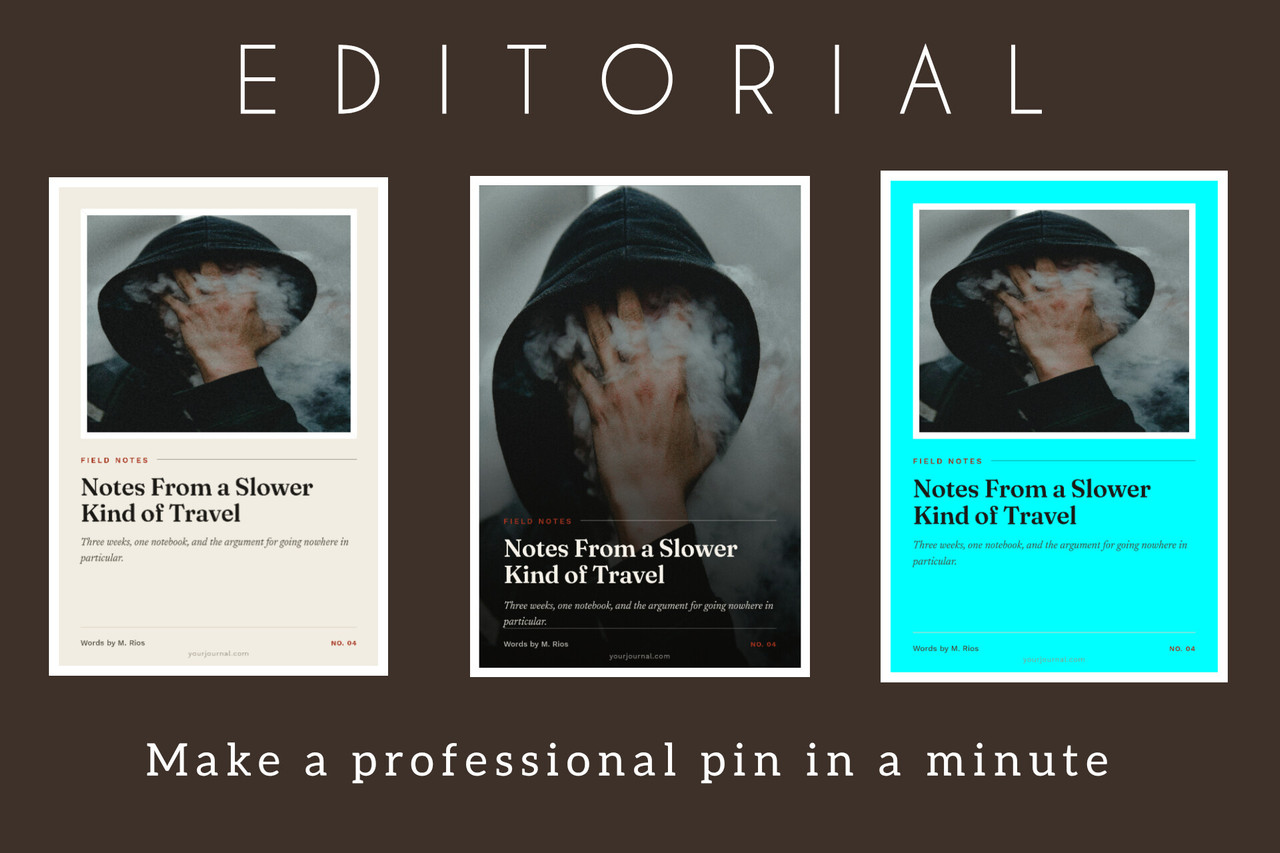
Preview the workflow and three finished designs. Swipe horizontally to explore.
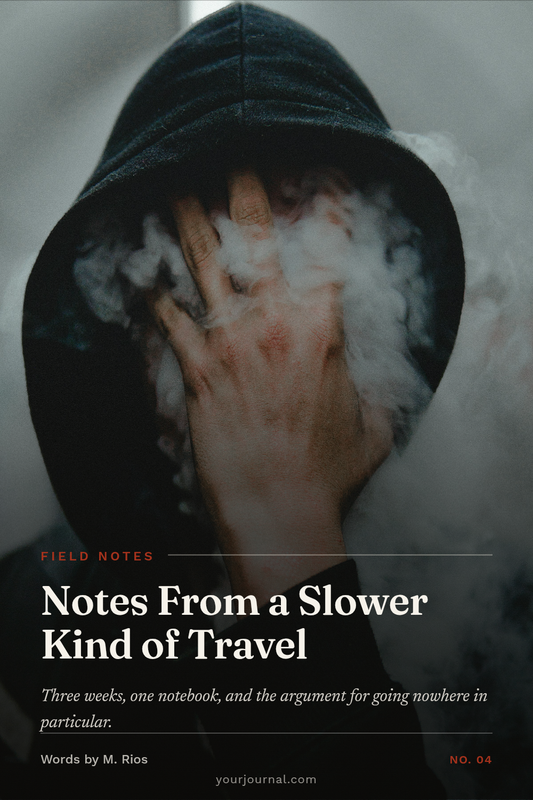
.png)
.png)
The control panel is designed to work across the PIMAFOBE free template collection, so you can customize your pin without learning a complicated design workflow.
Upload your own cover photo straight from your device inside the editor.
Change the kicker, headline, subtext, byline and issue tag in seconds.
Add your website or handle at the bottom of every pin.
Switch between the full-bleed Cover Story and the clean Framed layout.
Choose Editorial (serif + italic), Heavy Serif or Modern Sans typography.
Customize paper, accent and ink colors with simple color pickers.
Elegant editorial details like kicker rules and a refined byline row.
Download your finished pin as a crisp 1000×1500 PNG, ready for Pinterest.
Download the free template, open the editor, add your photo and text, then export your finished pin. No complicated design process required.
Download the Free Template →